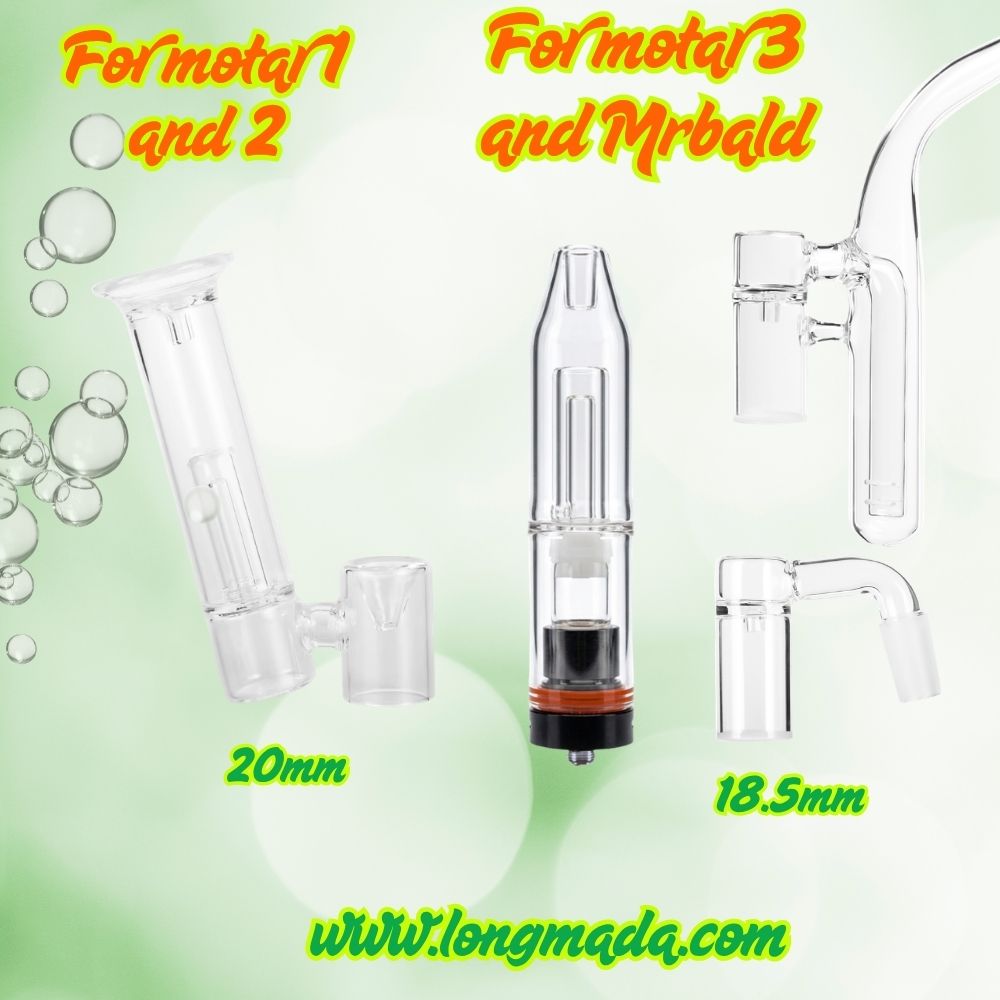
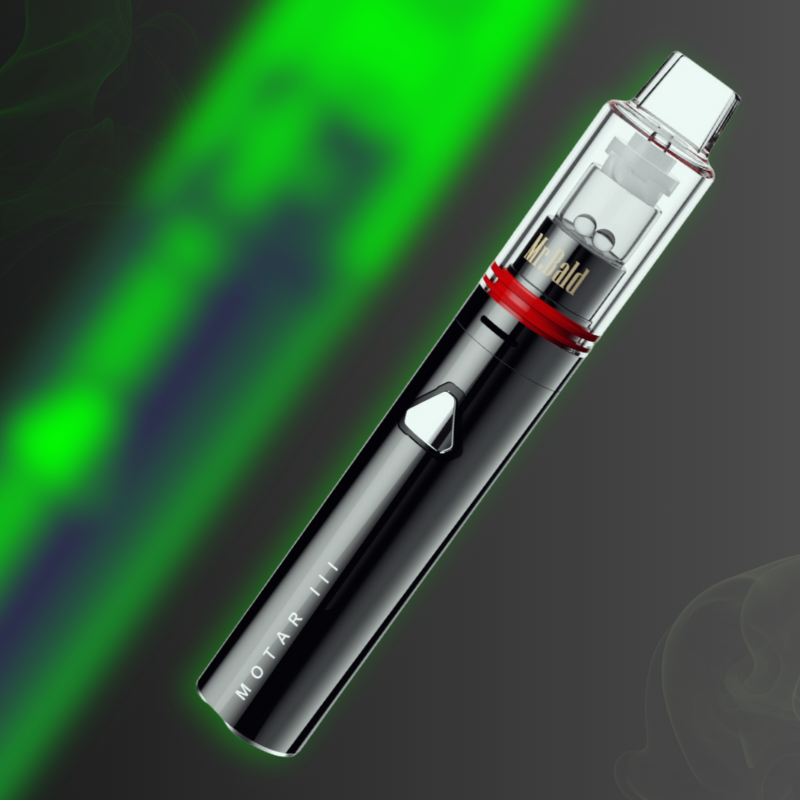

The Longmada Motar 3 Kit is engineered for flagship-level sub-ohm wax vaporization, utilizing an advanced coilless quartz bucket and a smart-chip battery. However, like any advanced electronic rig, the smart chip will occasionally lock the device and flash specific LED color sequences to protect itself from electrical damage.
If your vape is flashing red, white, or alternating colors, don’t panic—your device isn't necessarily broken. This official troubleshooting guide will decode every Motar 3 blinking light error and show you exactly how to reset your device safely.
🚨 Code 1: 🔴 Red Light Flashes 5 Times
-
The Diagnostic: Low Battery Voltage Protection.
-
The Fix: The battery capacity has dropped below the operational threshold required to heat the quartz bucket. Plug your device into a verified wall adapter using the provided USB cable and charge it fully before your next session. Attempting to force-heat a dying battery results in weak, wasted concentrates and uneven vaporization.
⚪ Code 2: White Light Flashes 3 Times
-
The Diagnostic: Open Circuit / No Atomizer Detected. The smart chip cannot establish an electrical connection with the heating core.
-
The Fixes:
-
Check the Connection Sequence: Unscrew the components. First, screw the quartz coil tightly into the atomizer base. Second, screw that entire assembled unit onto the battery rod.
-
🚨 Critical Safety Rule: Always connect the coil to the base first, and then attach the base to the battery. Reversing this order or attempting to twist a loose coil into a base that is already live on the battery can misalign the contact pins and trigger a short circuit.
-
Replace the Core: If the white light continues flashing after tightening, the internal heating wire inside the quartz bucket has degraded. Swap it out for a fresh Motar 3 replacement coil.
-
🔌 Code 3: Voltage Light Flashes 2 Times & Shuts Off
-
The Diagnostic: Short Circuit Protection Triggered.
-
The Fixes:
-
Debris Cleanout: Unscrew the atomizer. Sticky wax or carbon reclaim often leaks onto the threads, bridging the positive pin and the negative grounding thread. Use a cotton swab lightly dampened with 90%+ Isopropyl Alcohol (ISO) to scrub the 510-threaded connection points completely clean.
-
The Hard Reset: When short circuit protection locks a smart vape, it enters a safety lockout mode. To reactivate the chip, you must plug the device into a live charger. Once plugged in, the protection resets. You can then unplug it, rapidly click the power button 5 times, and resume vaping.
-
🌡️ Code 4: 🔴 Red and 🟢 Green Lights Flash Alternately Twice
-
The Diagnostic: High-Temperature Protection Mode.
-
The Fix: You have been running heavy, back-to-back sessions, and the internal board temperature has exceeded safe limits. To prevent permanent thermal degradation of the lithium cell, the device automatically shuts down. Let the device rest completely for 3 minutes to cool down before clicking it back on.
🔄 Code 5: 🔴 Red and ⚪ White Lights Flash Alternately 3 Times
-
The Diagnostic: Voltage Output Not Selected.
-
The Fix: The smart chip is in a standby safety loop because a specific heat profile hasn't been locked in. Rapidly click the fire button 3 times to cycle through and select your preferred power level (3.0V, 3.3V, or 3.6V). Once the LED registers your selection, hold down the button to vaporize.
💤 Code 6: No Lights or Responsiveness from Button Press
-
The Diagnostic: Auto-Shutoff / Sleep Mode.
-
The Fix: To conserve power and prevent accidental pocket-firing, the Motar 3 battery automatically enters a deep sleep state after 5 minutes of total inactivity. Simply click the power button 5 times in rapid succession to wake the device back up.
Why Isn't My Constant Temperature Working?
The Motar 3 battery features an intelligent temperature regulation algorithm, but it requires specific parameters to function:
-
OEM Requirement: You must use Longmada’s proprietary TCR heating coils to communicate with the chip's constant temperature software. Third-party, generic 510 atomizers are completely unsupported.
-
Standard Coils: If you attach a standard coil with a structural resistance between 0.3Ω and 0.5Ω, it will still safely fire, but the temperature regulation will be inactive. You will need to manually pulse the button to manage the heat of your wax.
📊 Summary: Motar 3 Troubleshooting Cheat Sheet
| LED Light Pattern | Meaning / Error Type | Direct Troubleshooting Action |
| 🔴 Red flashes 5x | Low Battery | Charge fully with the official USB cable. |
| ⚪ White flashes 3x | No Atomizer detected | Tighten coil inside base; check assembly order. |
| Voltage Light flashes 2x | Short Circuit Lockout | Clean threads with ISO; plug into charger to reset. |
| 🔴 & 🟢 Alternating 2x | Overheat Protection | Stop firing; let hardware rest for 3 minutes. |
| 🔴 & ⚪ Alternating 3x | Voltage unselected | Click 3 times to lock in your voltage profile. |
📦 Get Factory-Direct Support & Authentic Parts
At Longmada, we are committed to providing the global dabbing community with heavy-duty reliability. If you have cleaned your connections, reset the circuit using a charger, swapped your core, and are still experiencing issues, our specialized technical team is here to help.
Whether you encounter payment processing issues while ordering parts from our online vape store, or need real-time troubleshooting assistance, we will handle your inquiry immediately. Contact us today with your specific error code, and let’s get your rig back to pristine performance.